


AI logo maker
Describe your business and get original logos in seconds. Refine them in your own words, edit every detail and download print-ready files.
AI design studio
Say what you need in your own words and get original designs in seconds. Then make every detail yours in a real editor.
Free to try. No sign-up needed.
Tools
Describe it, refine it in your own words, edit every detail and download print-ready files.
Describe your business and get original logos in seconds. Refine them in your own words, edit every detail and download print-ready files.
 Your PNG
 Vector
Turn the PNG or JPG of a logo you already have into clean vector files that stay sharp at any size.
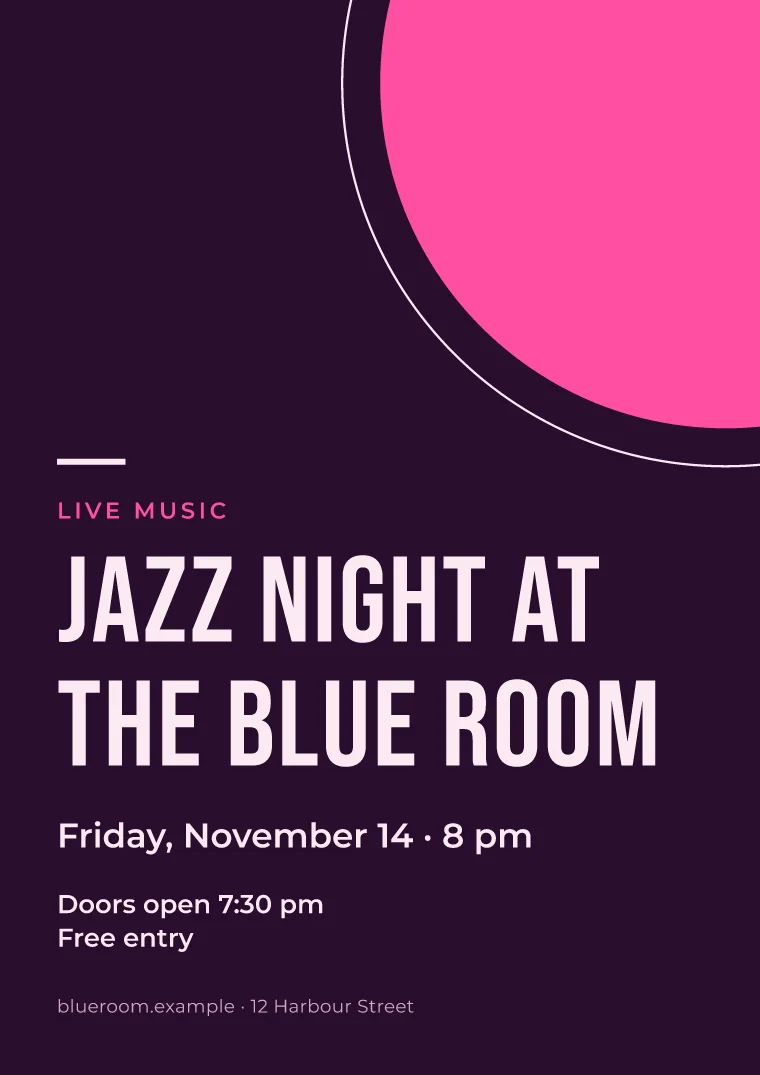
Flyers and posters for events, openings and sales, from A5 to 24 × 36 in.
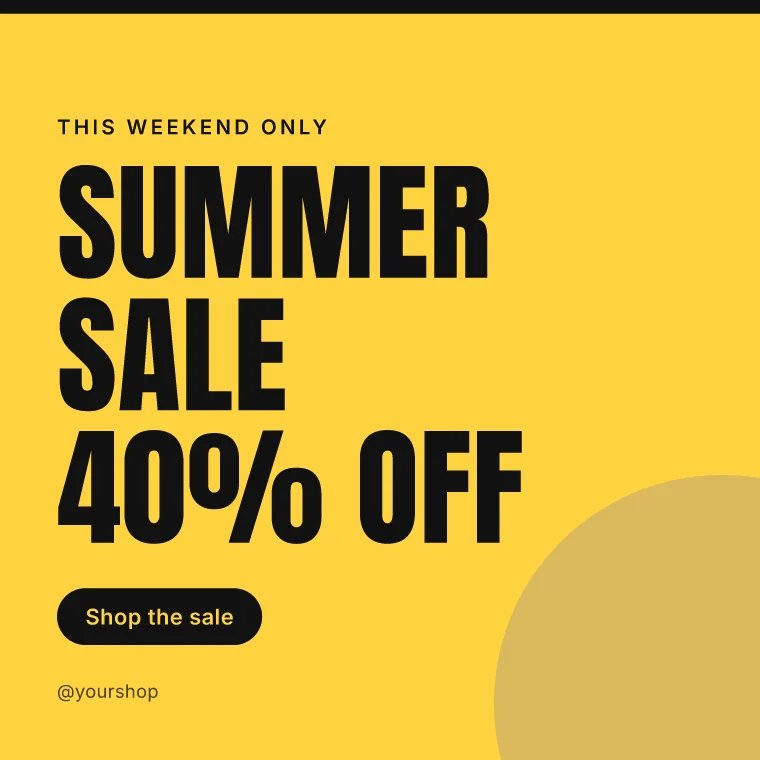
Posts, stories, covers and thumbnails, sized for every network.
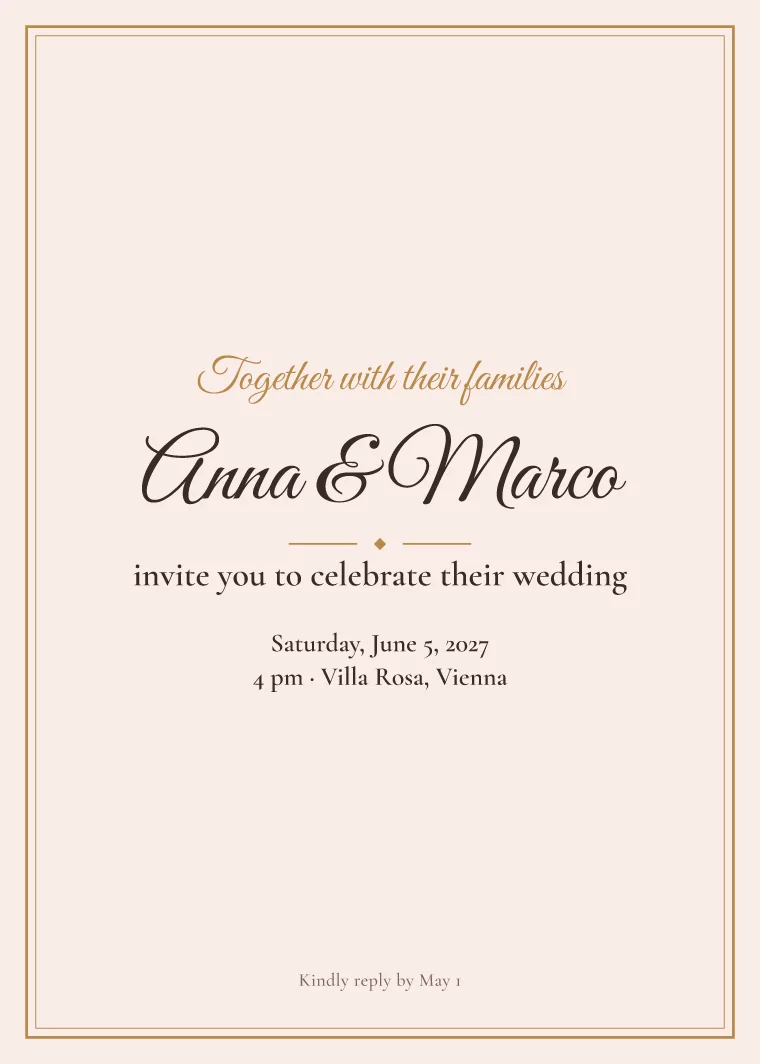
Invitations for weddings, birthdays and parties, ready to print or send.
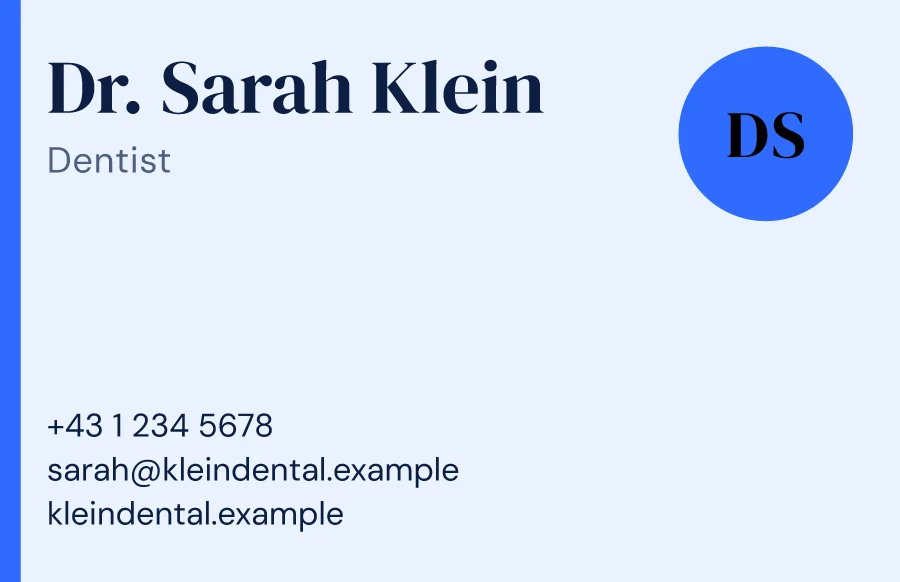
Cards that match your brand, with bleed and crop marks for the printer.
Any size, from a business card to a 24 × 36 in poster, any number of pages. Start blank or from a template.
Open the editorHow it works
Say what you need and who it's for, in your own words. Add a sketch, a photo or a reference if you have one.
Original designs arrive in about 20 seconds. Pick one and say what to change, as you would to a designer.
Fine-tune text, colors, photos and layout in the editor, then download files for print and screens.
The editor
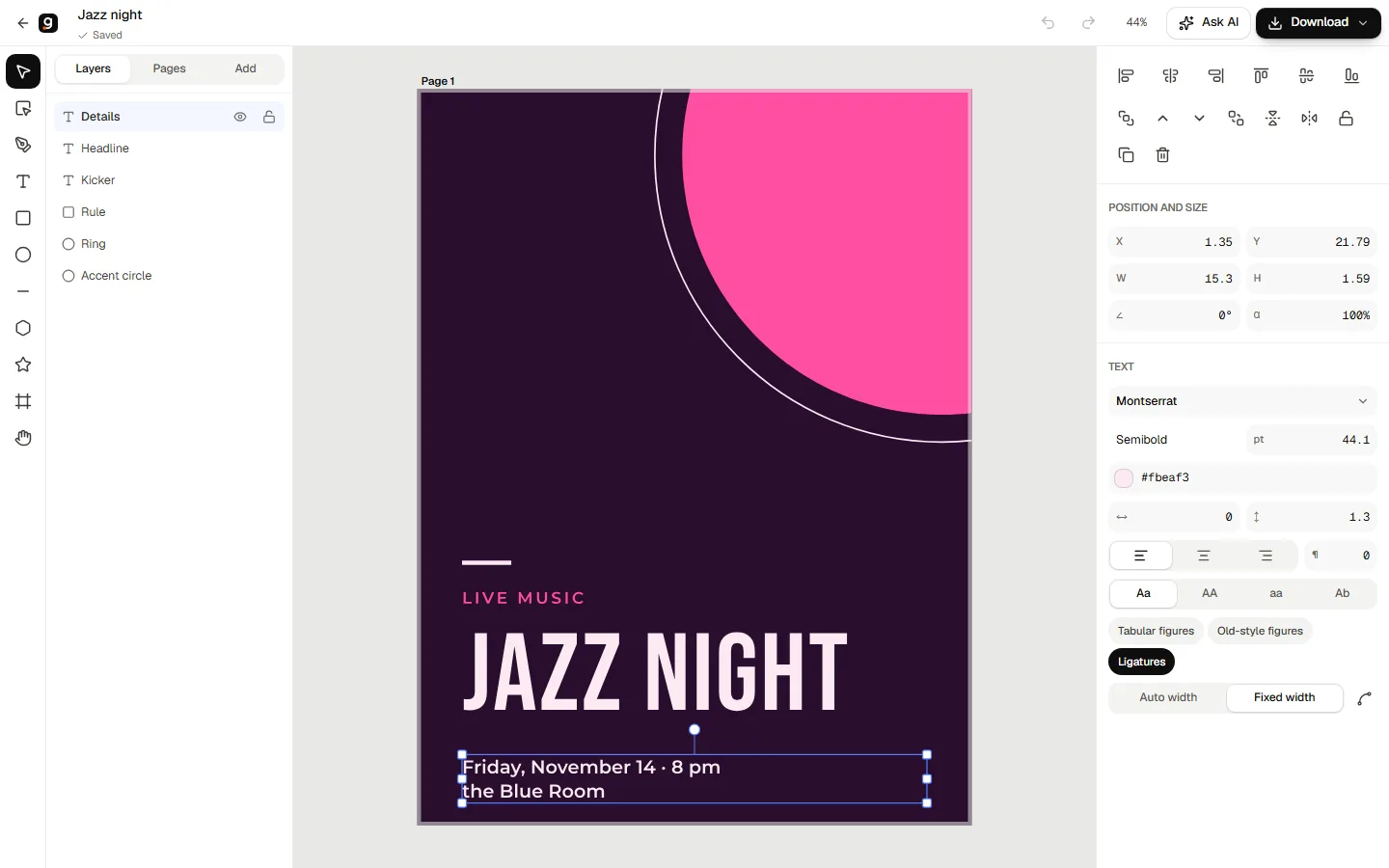
Every design opens in the same editor: real type, shapes and the pen, photos you can crop, layers, pages of any size. Ask for a change in plain words and keep editing.
Questions
Anything you can describe: logos, flyers and posters, social media posts, business cards, invitations, certificates and documents of any size with as many pages as you need. Describe it and get designs to start from, or open a blank page in any size. You can also turn a logo you already have into vector files.
Yes. Your first 4 designs need no sign-up, and a free account adds 8 more. You pay only when you want more designs or clean downloads.
One balance works in every tool on your account. One credit makes one design: a new request returns three, a change you ask for in the editor uses one. Converting an existing logo into vector files uses 2. Package credits and downloads last 30 days.
Yes. Pick a size, from a business card to a poster, start from a blank page or a template and design it yourself with text, shapes, photos and pages. Designing in the editor uses no credits.
Yes. Downloads come with a commercial license, and the files you download keep it for good. We never resell your final design.
No. Describe what you want in plain words, pick the design you like and adjust it in the editor.
Describe it in a sentence and see original designs in seconds.
Start designingFree to try. No sign-up needed.


